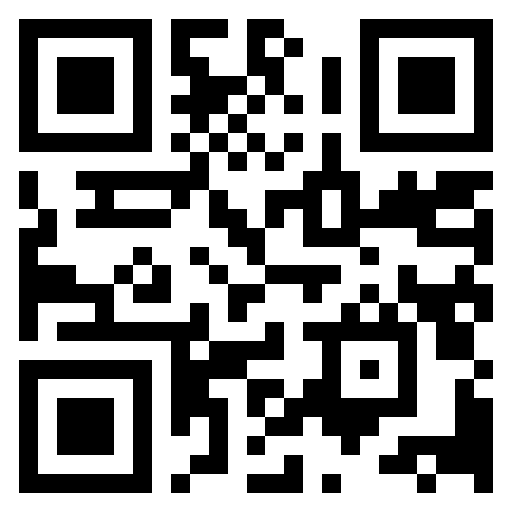
Create a QR Code for portfolio
Use this QR Code Zebra - free QR code generator to create a QR code for your portfolio. All generation happens in your browser, so your data never leaves your device.

Create Your QR Code
Enter any URL or text below. Generate instantly, download in PNG or SVG.
Processed locally — nothing leaves your deviceNo signup required
Enter text or URL to generate a QR code
📱
Ready to generate your QR code
Enter any text or URL above to get started
Or try one of these examples:
Download Your QR Code
Size: 512×512px
🌐Website URL
29 / 2953 charactersScannability: Excellent
Customize Your QR Code
Add your logo
PNG, JPG, SVG · max 2 MB
Download Your QR Code
Size: 512×512px
How to create a portfolio QR code
- Enter your content — paste or type the portfolio-related content in the input field above.
- Customize — choose a size and colors that match where you'll use the QR code.
- Download — save the QR code as PNG or SVG and add it to your materials.
Need more help?
Read our guide on how to create a QR code or check the QR code FAQ. You can also use the main QR code generator page for general use.